The Website Is Real. The Attack Is Too.
For years, cybersecurity awareness has focused on one simple rule: check the website address before entering your credentials. If the URL looks suspicious, it’s probably a phishing attempt.
But what if the website is actually Microsoft’s?
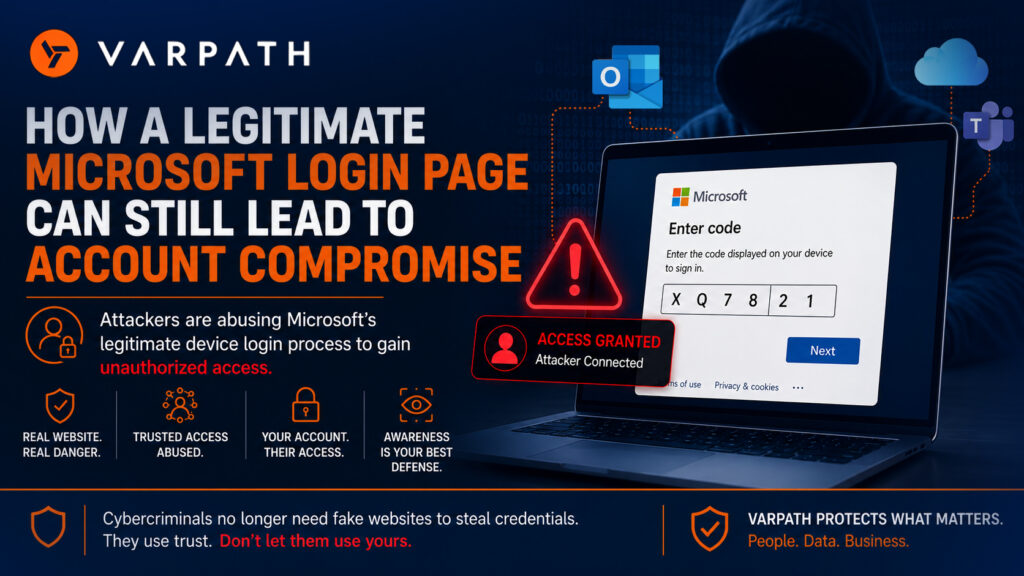
Imagine receiving a Microsoft Teams message or email asking you to authorize access to a document or device. The message directs you to microsoft.com/devicelogin, a legitimate Microsoft website.
- You recognize the URL.
- The security padlock is present.
- Everything appears trustworthy.
- You enter the provided code, complete the sign-in process, and continue with your day.
- What you may not realize is that you’ve just authorized an attacker to access your Microsoft 365 account.
- The website was legitimate.
- The authentication process was legitimate.
- The attacker simply convinced you to complete it on their behalf.
How Device Code Phishing Works
Microsoft’s Device Code Authentication is a legitimate feature designed for devices that don’t have a traditional keyboard or web browser, such as conference room systems, smart displays, command-line tools, and other specialized devices.
Instead of typing credentials directly on the device, users visit microsoft.com/devicelogin, enter a unique code, and sign in with their Microsoft account.
Attackers have learned to abuse this workflow.
Rather than stealing passwords through fake login pages, they generate a legitimate device authentication request and trick victims into entering the code. Once the victim approves the request, the attacker gains access using Microsoft’s own authentication process.
This makes the attack particularly dangerous because there are no fake websites, no misspelled URLs, and no obvious warning signs.
Why This Attack Is So Effective
Traditional phishing campaigns depend on fake websites and stolen passwords.
Device Code phishing targets something much more powerful: trust.
Victims see:
- A legitimate Microsoft URL
- A secure HTTPS connection
- A genuine Microsoft sign-in page
- A normal authentication experience
Everything appears authentic because it is authentic.
Instead of compromising Microsoft’s security, attackers manipulate users into authorizing their own access.
Recognizing the growing threat of these attacks, the FBI’s Internet Crime Complaint Center (IC3) has warned organizations about phishing campaigns that abuse legitimate authentication workflows to compromise Microsoft 365 accounts.
How to Protect Your Organization
Organizations should educate employees that a legitimate website alone is no longer enough to determine whether a request is safe.
To reduce the risk of Device Code phishing:
- Verify unexpected authentication requests before approving them.
- Train employees to recognize modern social engineering techniques.
- Monitor Microsoft 365 sign-in activity for unusual authentication events.
- Enforce strong identity protection and Conditional Access policies.
- Review and revoke suspicious device authorizations when necessary.
Technology alone cannot stop every attack. Security awareness and continuous monitoring are equally important.